FrameUI Studio

FrameUI Signature

Loading
Please wait a moment
FrameUI preview
HOLD
00:00.05.2 s
FADE IN0.8 s
HOLD4.3 s
FADE OUT0.9 s
PLAY ONManual only

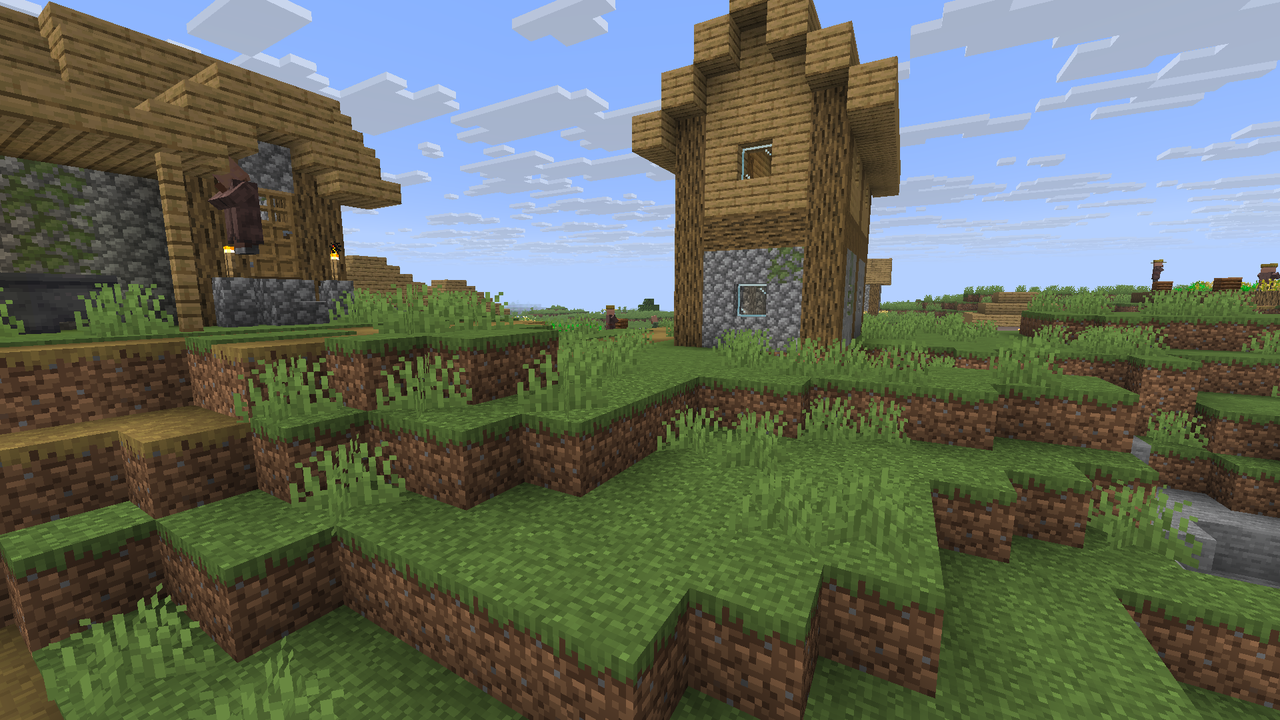
Rendered with the plugin’s shader. Captions, HUD and scene are illustrative; verify final placement in Minecraft.

Install your effect.

Run /frameui editor and open your personal link to import directly to your server. Your selected events apply immediately.

You can also install a ZIP manually:

  1. Export effectDownload your ready-to-install ZIP.
  2. Extract into plugins/FrameUI/Merge the effects/ and images/ folders. Keep your other files.
  3. Run /frameui reloadFrameUI validates definitions and rebuilds its resource pack.
  4. Test in gameAccept the refreshed pack, then run /frameui preview <id>.

A new ID creates a separate effect. An existing ID replaces that definition. Your drafts and photos stay in this browser until you export.

Delete permanently?

Connect your server

  1. Run /frameui editor in Minecraft.
  2. Open your personal editor link.
  3. Use Import to server to apply your effect and image.

For remote servers, use an HTTPS resource-pack public URL and forward /studio/ through your reverse proxy.

Keep your Minecraft account online. Links expire after 30 minutes; a new link replaces the previous one.